Photo Retouching Tools for AI Headshots: Top 10 Picks
You generated a full gallery of AI headshots before lunch. Most look sharp. Two have a stray hair across the forehead, one blazer is the wrong colour for your brand, another has skin so smooth it stops looking like you, and you're due to update LinkedIn, a speaker page, and a team directory today.
That's the job for photo retouching tools now. You're not fixing a camera shoot. You're refining generated portraits, fast, without breaking likeness. A preregistered experiment with 817 U.S. adults found participants rated AI-generated headshot-style images as higher in photo quality on average than conventional photographs, which the Cyberpsychology study of AI and photographic headshots reports, yet small flaws still decide whether you post an image or bin it.
If you're new to the vocabulary, explore the basics of image retouching first, then judge each tool below by one test. Does it fix expression, clothing, lighting, background, and skin detail in minutes, or does it send you into an hour of layers you'll never reuse?
I've ranked these options for AI headshots and portraits only, with practical examples and honest limits. Some are excellent and still overkill. One already covers generation plus retouching end to end, so you can finish quicker and easier instead of exporting files between apps.
1. Secta Labs
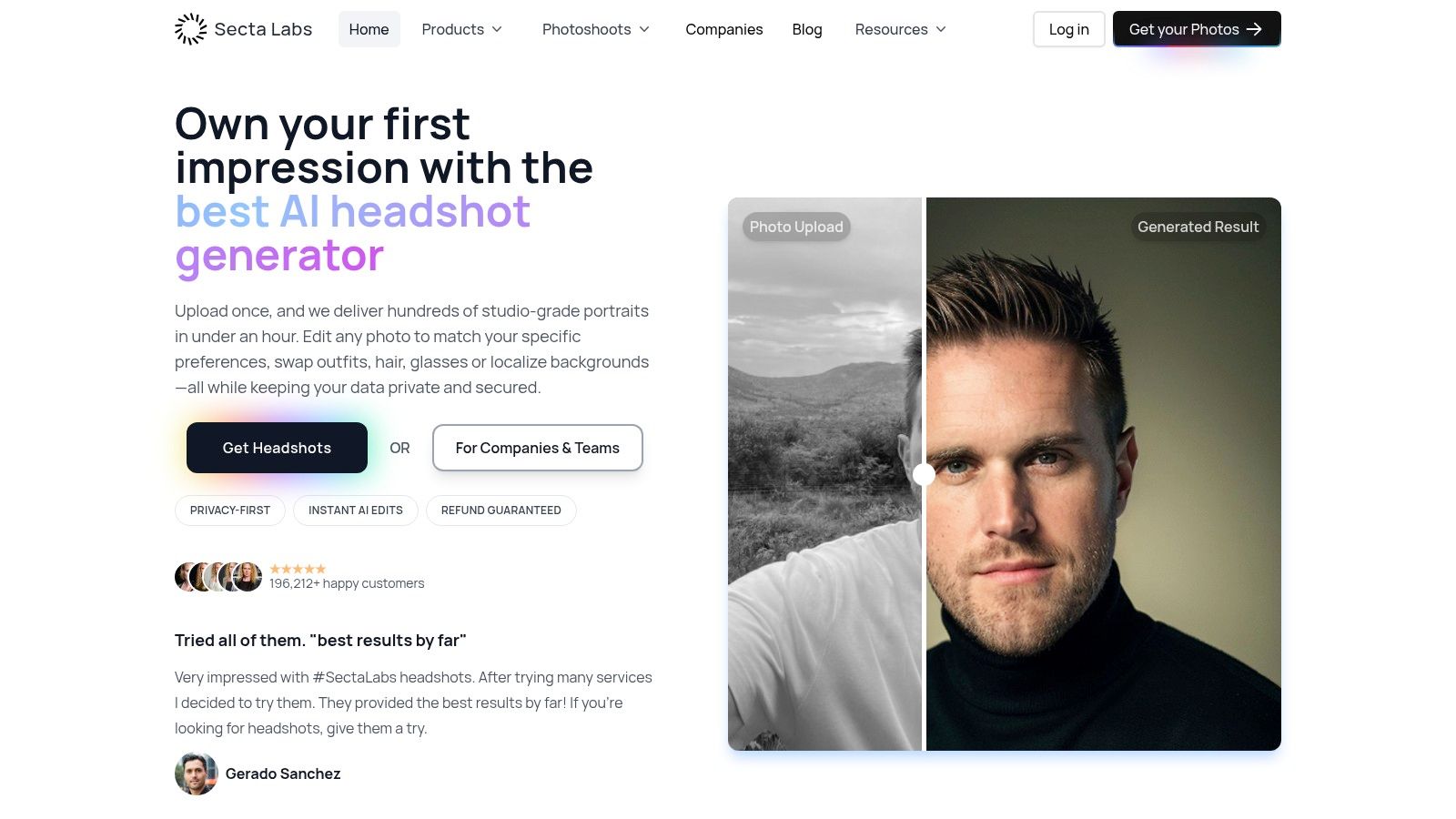
Start here if the portrait doesn't exist yet in the form you need. You upload regular selfies or group photos once, choose styles for LinkedIn, corporate profiles, acting, real estate, or personal branding, and receive a gallery you can refine in the same place through Secta. Our Professional Package includes 100+ HD photos, and customers can receive hundreds of studio-grade portraits in under an hour.
That built-in workflow is the difference. Say a consultant loves a pose but needs a navy blazer, a warmer smile, and an office background localised to her city. Instead of downloading and rebuilding it elsewhere, she uses our editing tools in place and keeps moving.
Trasformate la vostra immagine professionale
Ottenete splendidi scatti professionali generati dall'intelligenza artificiale in meno di un'ora. Caricate normali selfie o foto di gruppo, scegliete tra oltre 100 stili e noi creeremo centinaia di scatti perfetti che rappresenteranno il vostro lato migliore.
What You Can Fix Without Leaving the Gallery
We offer over 12 editing tools, including Clothing Change, Change Expression, Change Background, Upscaler, and Retouch. You can swap outfits, hair, and glasses, localise backgrounds, or use Recolor to change clothing and background colours without changing the face or expression. Our custom upscaler increases resolution without damaging facial resemblance or overly smoothing the face, and Expand / Uncrop zooms out slightly for social crops.
- Generate Faster: Create new variations with different clothing, backgrounds, or expressions from one upload.
- Stay Consistent: Teams can set up a brand kit, invite members, run batch generation, review and approve, then download and deploy.
- Keep Control: Uploaded data is kept private and secured while photos are edited, and you retain ownership of your outputs.
The trade-off is real. Results vary, some images won't be convincing likenesses, and you'll still need to review every result before publishing. Confirm current package price and upload requirements before ordering, since offers change. For most professionals, though, generating and retouching in one workflow is faster and easier than stitching together three subscriptions.
2. Adobe Photoshop
Photoshop is the precision instrument you reach for when a generated headshot is 95 percent right and one stubborn detail ruins it. A warped earring, a duplicated button, a collar that melts into skin, a background edge that needs hand painting. Nothing here beats Adobe Photoshop for pixel-level control.
Use Healing Brush, Spot Healing Brush, and Patch on separate layers so you can reverse a fix without damaging the portrait. Adobe's guide to non-destructive editing techniques in Photoshop confirms adjustment layers remain editable and healing tools can support nondestructive workflows when applied appropriately. That matters when a manager asks you to undo teeth whitening but keep the background cleanup.
I recommend it for one hero image, not fifty team portraits. The learning curve is steep, masking hair properly takes practice, and the subscription keeps running whether you edit daily or twice a year. If you need a methodical background in professional portrait retouching workflows, learn layers first, then brushes.
It's also wildly broader than headshots. The same skills transfer to assets like logo design for print-on-demand businesses, which is useful if you're building a full personal brand kit. For a single LinkedIn refresh, it's usually overkill, and a generate-and-retouch platform will get you published quicker and easier.
3. Evoto AI
For a brokerage standardizing AI-generated headshots, the challenge is keeping skin texture, teeth, stray hairs, and skin tone consistent across the full set. Evoto AI offers targeted retouching tools and batch editing, which can help apply a restrained look across multiple portraits.
Consistency matters on a team page. A heavily smoothed face beside a natural-looking portrait can stand out more than either image on its own. Review results at full size, especially around freckles, moles, and skin texture. Batch settings save time, but they can also remove details you intended to keep. For portraits already generated by tools such as Secta Labs, Evoto is a finishing tool, not a way to create new outfits, backgrounds, or expressions.
Watch the Credit Economics
Evoto offers subscription and pay-as-you-go options. Before buying credits or starting a trial, read the current terms on Evoto's site, including how unused credits are handled. That matters if you only retouch portraits for an occasional team refresh: a large credit balance may not suit an infrequent workflow.
Ease of use also affects whether a batch gets finished. The G2 guide to photo editing software reports that 92% of users are satisfied with setup ease for leading tools. Check whether Evoto's presets and batch controls make sense for your process before committing. It retouches the portraits you provide, so you still need a separate generator when you want new variations.
4. Capture One
Capture One makes sense if your team already runs a studio style operation and wants colour discipline above everything else. For pure AI headshot cleanup, I consider it heavy machinery. You're buying RAW processing, tethering, session management, and collaboration features you may never touch when your source files arrive as finished generated portraits from Capture One competitors or a generator.
Where it earns respect is colour and tonal control. Say generated team portraits come back with slightly different skin tones and background temperatures. Capture One's colour tools can pull them into line precisely, and its face retouching sits inside that broader workflow rather than as a beauty filter. It supports more than 550 cameras, which tells you exactly who it was designed for, and that is not the solo professional polishing one profile photo.
- Best Fit: Studios and in-house teams already using tethered capture and client sessions alongside AI portraits.
- Weak Fit: Individuals who need a blazer changed or an expression softened. Capture One won't generate those variations.
- Cost Check: Collaboration and studio features sit in higher-tier plans, so check the current checkout price carefully.
There's a perpetual license option alongside subscriptions, which some buyers prefer. Still, complexity is a cost too, and a dedicated headshot workflow will finish quicker.
5. Retouch4me
Retouch4me focuses on AI tools and plugins for individual retouching tasks, such as smoothing skin or cleaning a backdrop. You can add them to an existing workflow through Retouch4me, rather than relying on one all-purpose editor.
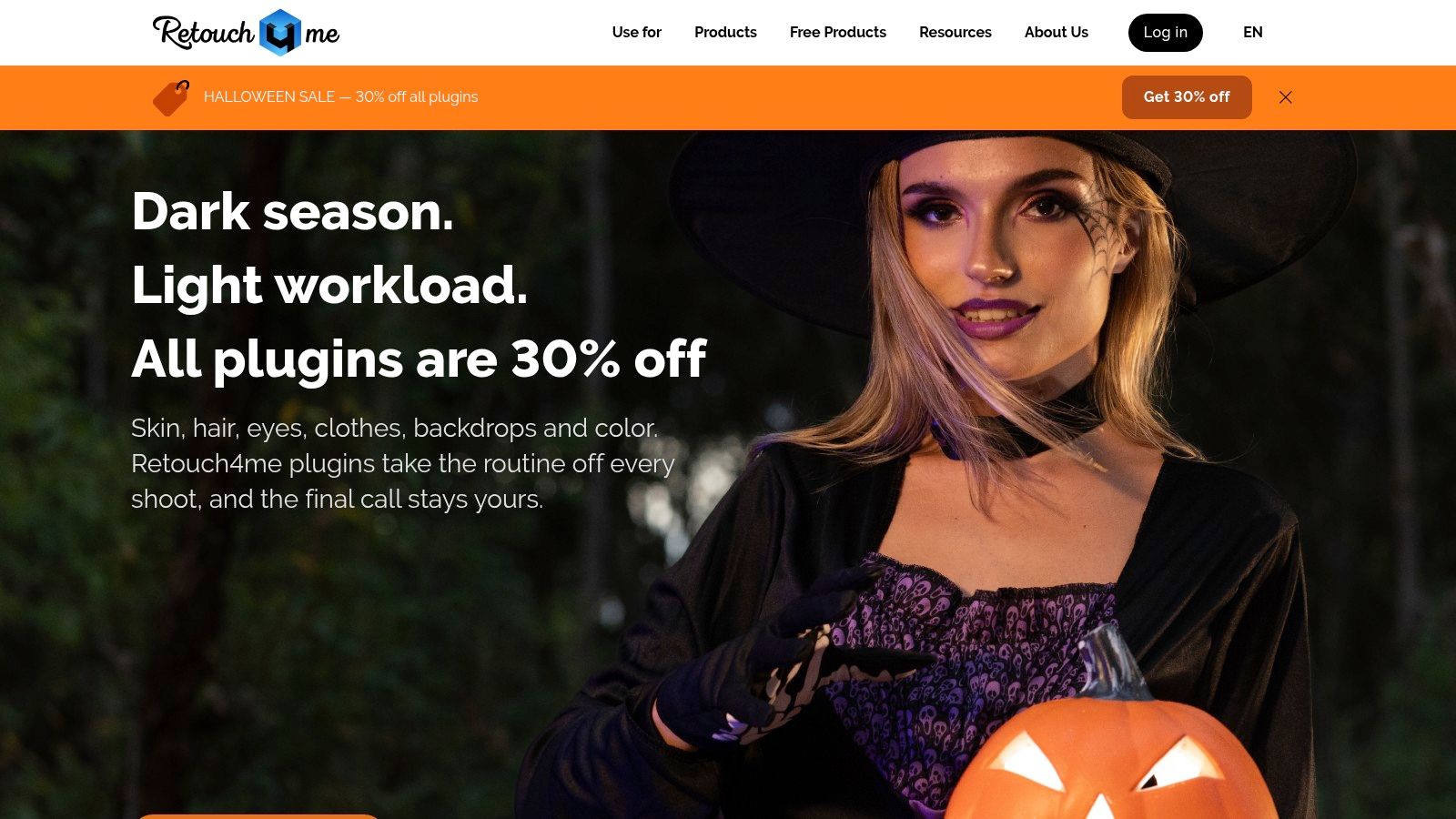
For generated headshots, a focused plugin makes sense when you can name the flaw. If a batch looks strong but the skin appears plastic, a restrained skin-retouching pass may be quicker than correcting each portrait by hand. The trade-off is a narrower workflow: as new issues appear, you may need additional tools or credits. That can feel like overkill when a generator has already produced portraits close to the final result.
Retouch4me offers a free trial. Before subscribing, check the vendor's pricing page for the current trial size, credit rules, and cancellation terms. Test the trial on portraits with glasses, textured skin, or flyaway hair, where retouching errors are easier to spot than on straightforward images.
Retouch4me is best for targeted cleanup, not for generating a new headshot or changing clothing and expression. You'll still need a host application for broader editing and exporting, as well as a separate generator. If you want a single workflow from portrait creation to finishing, that extra setup may outweigh the time saved on individual retouching tasks.
6. PortraitPro
PortraitPro uses guided sliders and face-aware controls to make portrait retouching approachable. For a coach or actor who finds Photoshop intimidating, PortraitPro is a simpler option, and the Studio Max edition adds batch mode for repeated work. With AI-generated headshots, that workflow is best for small finishing adjustments across a set, not for creating new outfits or backgrounds.
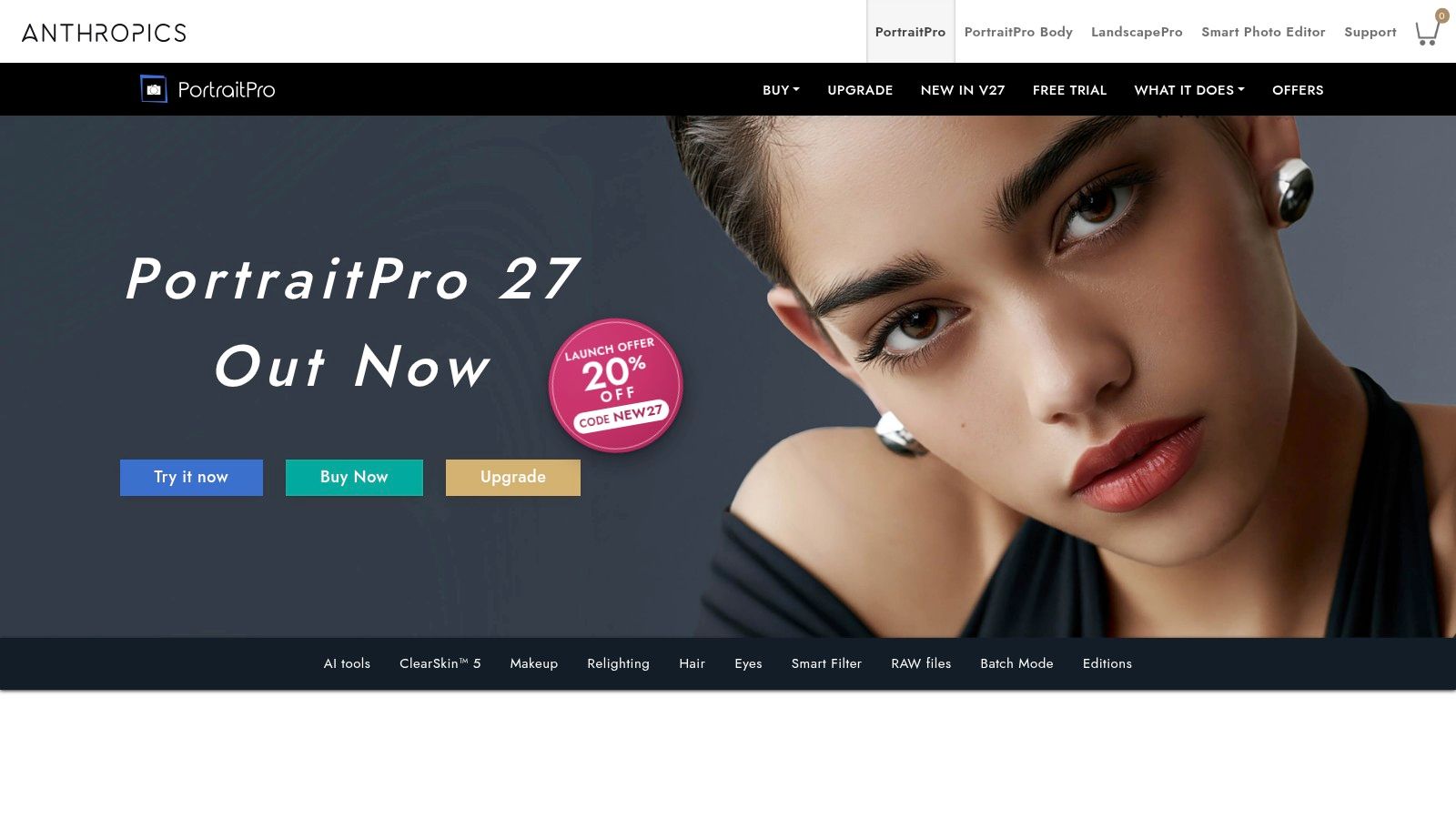
The main trade-off is control. Guided beautification can make it easy to reshape, smooth, and brighten until the subject looks like a polished cousin of themselves. A BBC report on AI systems removing visible differences found that several popular systems removed visible differences after being asked to make subjects look “normal.” Treat that as a reason to keep identity intact: scars, birthmarks, and facial structure are not defects to erase.
A Restrained Way to Use It
Start with every slider at zero. Correct only details that stand out at profile size, such as temporary shine, a stray hair, or uneven light. Skip face slimming on professional portraits. Colleagues may meet the same person on a video call, and an altered face can look inconsistent.
PortraitPro is a finishing tool, not a general design or image-generation app. It cannot change wardrobe or build a new background with the range of a portrait generator. Check edition differences and current prices before buying. Used with restraint, it can refine generated headshots; automatic beautification can make them look unnatural.
7. Luminar Neo
Luminar Neo suits creators who want portrait cleanup plus creative enhancement in one friendly editor. Its Skin AI, Face AI, and Body AI tools handle common fixes, and general object removal helps when a generated background includes a strange lamp or half a sign. You can buy it through Luminar Neo with perpetual license options for the core editor.
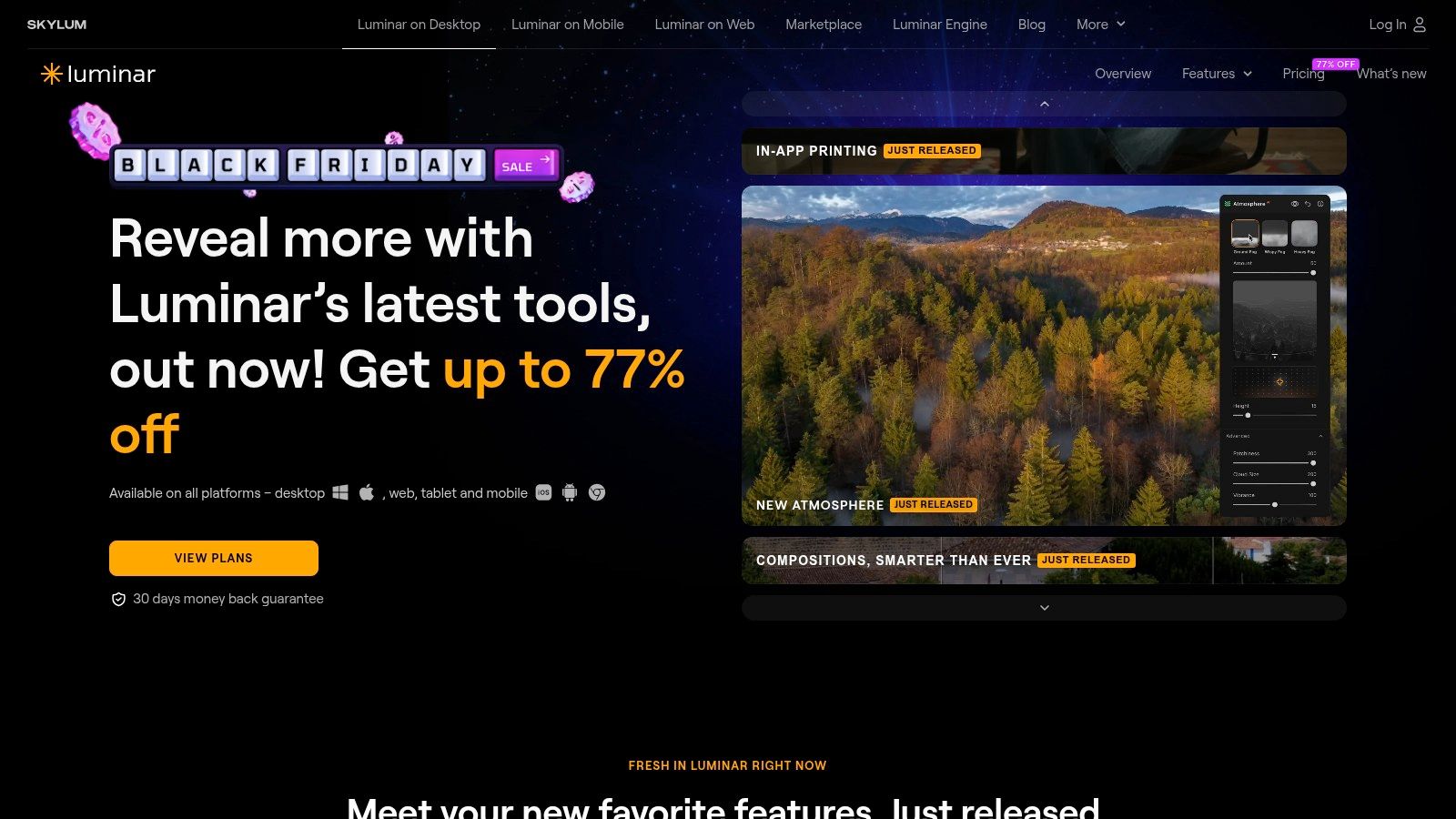
Say a consultant needs one strong LinkedIn image and a few warmer, more editorial portraits for a newsletter. Luminar can polish the face, lift the light, and add a consistent grade without a steep learning curve. That breadth is its appeal and its limit. It is less specialised for professional headshots than dedicated portrait tools, and portrait tools work best when the face is large enough in the image, so tight crops from a generator suit it better than wide shots.
- One-Time Purchase Appeal: The core editor can be bought outright, which suits occasional editors avoiding subscriptions.
- Renewal Catch: Some generative AI features and assets require renewal after an included period, so a perpetual license isn't perpetual everything.
- Workflow Gap: It enhances images you supply. It doesn't generate a varied gallery of outfits and settings for you.
For creators editing mixed content every week, that trade can still be worth it.
8. ON1 Photo RAW
ON1 Photo RAW is the consolidation play. Organisation, editing, layers, masks, and Portrait AI in one desktop application, with a one-time purchase option. If you're a marketing manager drowning in generated variations, drafts, and exports, ON1 Photo RAW gives you one place to sort and finish them.
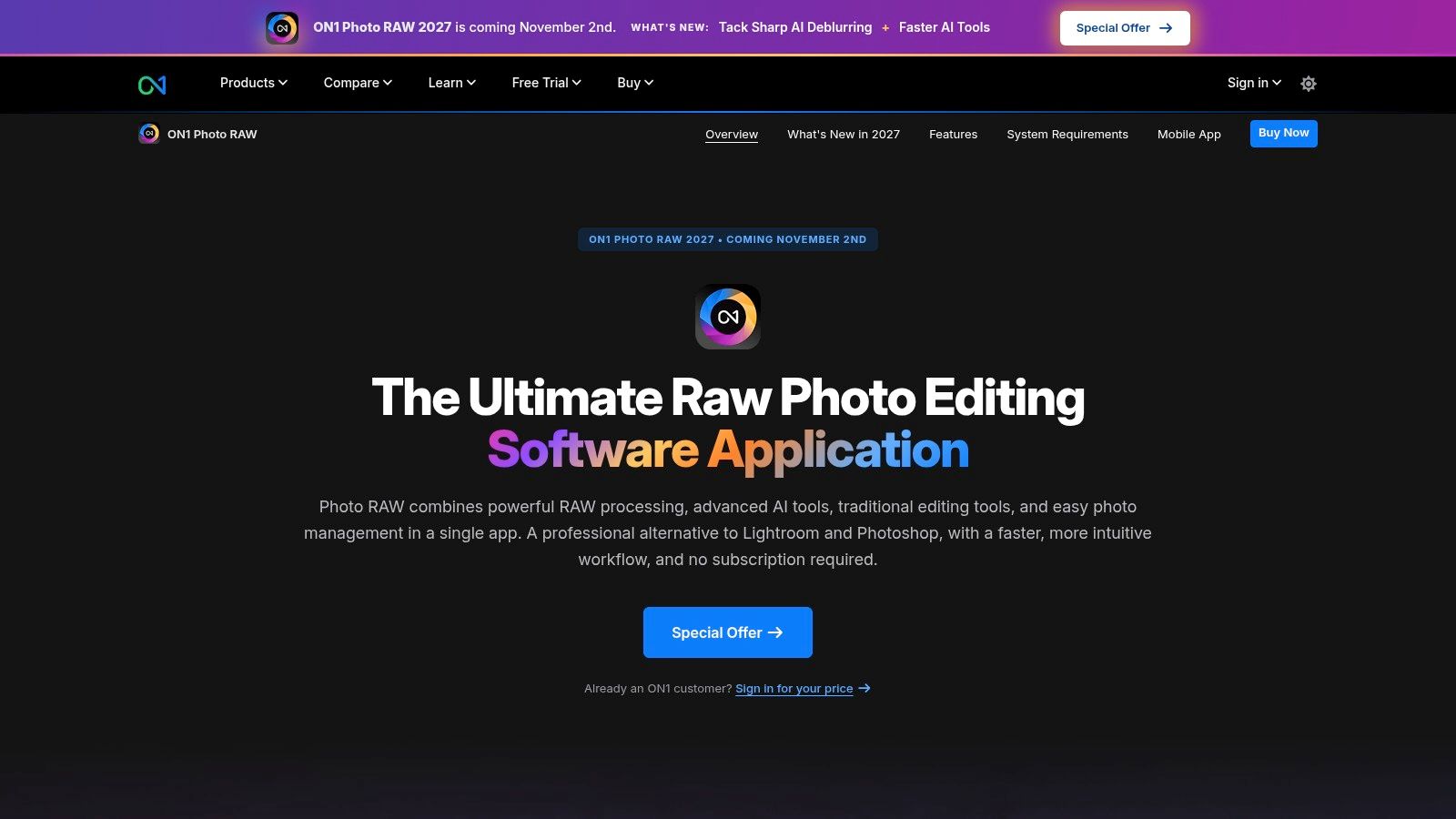
Layers and masks are the practical reason to choose it. You can brighten a face without touching a branded background, soften skin while leaving eyes and hair sharp, and keep edits reversible when a stakeholder changes their mind. The MAX edition adds plugin support for Photoshop and Lightroom, which helps teams that refuse to abandon Adobe entirely.
The honest verdict is that most headshot buyers don't need a full photo manager. If your library is one generated gallery and three final exports, you're paying in complexity for infrastructure you'll never use. Feature tiers and new versions also make it important to check what a plan includes, especially which AI features sit in MAX.
AI portrait edits here still need manual adjustment for a natural finish, particularly around glasses and hair edges, where automated masks get optimistic. Test those edges at 100 percent zoom during any trial. For high-volume brand teams, ON1 can earn its keep. For an individual refreshing a profile, a generator with built-in retouching is quicker and easier.
9. Facetune
Facetune is the phone in your pocket answer. You're about to post a generated portrait, the teeth look grey, there's a shine spot on your forehead, and you don't want to open a desktop app. Facetune fixes small appearance issues in seconds, which is exactly its lane and its ceiling.
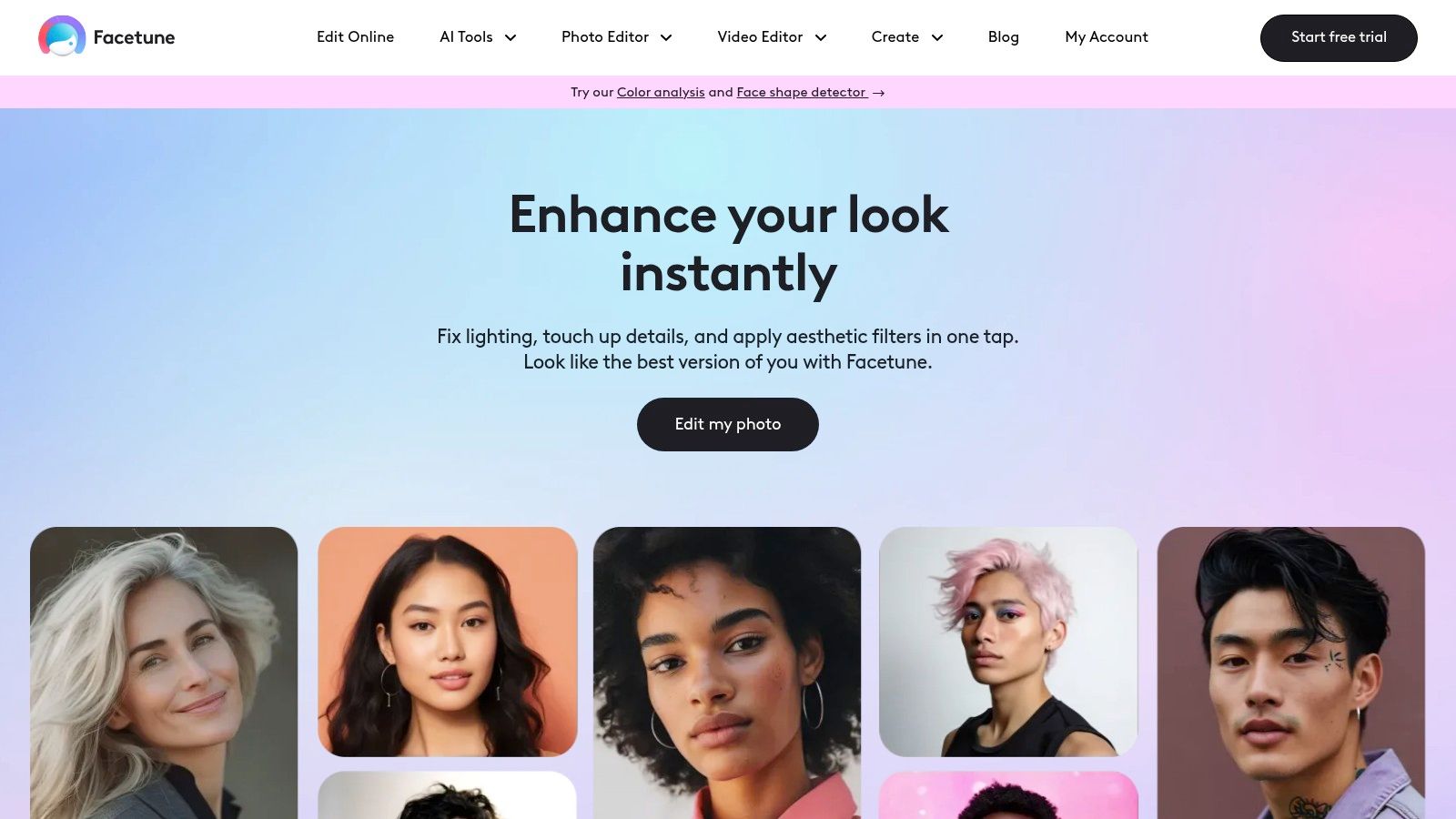
The free tier includes limited tools and saves, with weekly limits, while premium VIP tools and unlimited saves require a subscription or lifetime purchase. Monthly, quarterly, yearly, and lifetime options exist, and prices vary, so check in the app before committing. That free tier is useful for testing whether mobile editing fits your habits before you pay anything.
Keep your edits boring. If you need targeted cleanup, our guide to using a photo editor to remove blemishes covers the restrained approach that keeps skin looking like skin. Facetune makes reshaping tempting and easy, and professional audiences notice when a jawline changes between your profile photo and a live call.
It isn't built for detailed desktop production, batch team work, wardrobe changes, or consistent exports across a company. I treat it as a final five percent tool for social posting, never the place where a corporate headshot gets made. For anything a client or employer will judge you by, generate properly first, then touch up lightly if needed.
10. Photoroom
Photoroom earns its place for backgrounds, not faces. Generated portraits sometimes arrive with a cluttered office, a warped picture frame, or a backdrop that fights your website colours. Photoroom removes backgrounds cleanly, its paid Retouch tool deletes unwanted objects, and AI Fill can rebuild space around the subject for banners and profile cards.
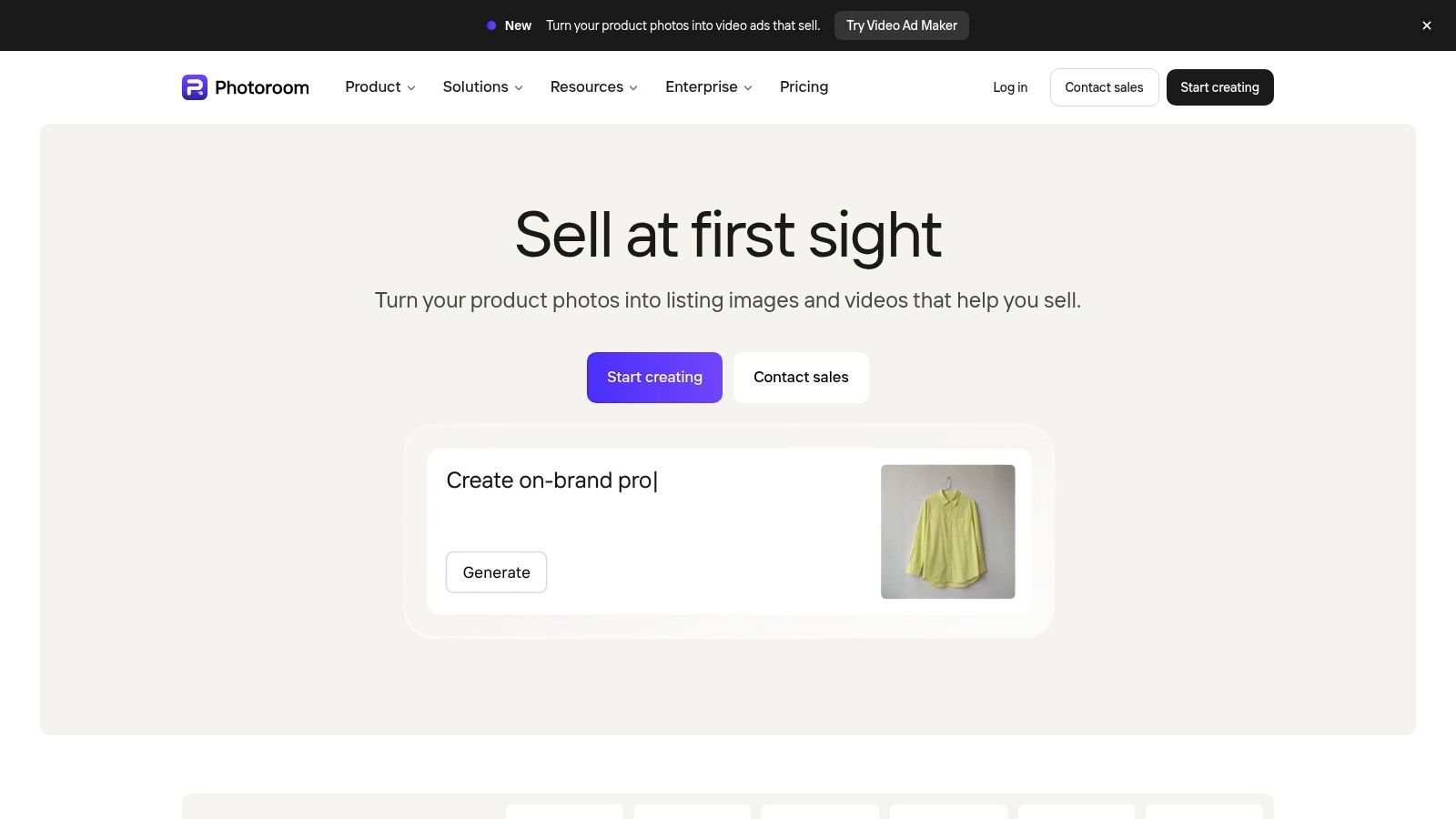
Say a founder has one strong AI portrait and needs it on a white directory background, a branded conference slide, and a podcast cover. Photoroom handles those marketing variations quickly in a browser or on mobile. What it won't do is detailed facial retouching, expression changes, or believable wardrobe swaps, because it was built mainly for product and marketing visuals.
Paid plans include monthly export limits, and some generative features draw on a separate credit allowance. Count your real monthly exports before choosing a tier, since a team directory project can burn a small plan in one afternoon. If your main need is editing finished portraits online rather than rebuilding scenes, our overview of image retouching online helps separate those jobs.
Use Photoroom downstream, after likeness and retouching are settled. Starting here means you'll still need a generator and a face tool, whereas an integrated headshot platform covers generation, background change, and retouch in one pass, quicker and with fewer exports to manage.
Photo Retouching Tools for AI Headshots at a Glance
For AI-generated headshots, the practical distinction is whether a tool can fix a specific flaw or mainly supports a broader photography workflow. Secta Labs combines headshot generation with editing tools, while Photoshop offers more hands-on control over individual corrections. Evoto AI and Retouch4me can suit repeatable retouching, but their credit or subscription models matter if you process images regularly.
Capture One is geared toward studio workflows, so its tethering features may be unnecessary when you are refining generated portraits. ON1 Photo RAW also covers more than headshot retouching. Choose a focused portrait editor for guided adjustments, or a broader editor when you need control beyond the face.
How to Choose and Match the Tool to the Job You Actually Have
Ask what still needs to exist. If you don't yet have a portrait with the right outfit, expression, background, and framing, a retouching app can't invent it well. That's a generation job, and doing generation and refinement in one place removes the export, import, rename, and re-export cycle that eats your afternoon.
We built our workflow for that exact sequence. Generate creates new photos with different clothing styles, backgrounds, or expressions. Retouch, Recolor, upscaling, and background changes then finish the images you shortlist, and team admins can approve, edit, or regenerate team photos in the dashboard. Standalone photo retouching tools earn their keep after that, for fine manual fixes in Photoshop, consistent batch polish in Evoto, or background variants in Photoroom.
Trust Privacy and Identity Checks Before You Publish
Facial imagery carries biometric information, so handling rules matter as much as output quality. A 2025 survey described in privacy-preserving facial recognition research identifies protection points at data generation, model inference, and data storage. Before uploading faces anywhere, check retention, deletion, and ownership terms, and get consent for every employee or client you process.
Disclosure deserves the same care. A 2025 study of 104 participants classifying real and AI-generated images found overall identification accuracy was only 63.7%, as reported in Frontiers research on detecting AI-generated images. Viewers often can't tell, which is precisely why companies should set one consistent policy instead of editing selectively. Classify edits by risk. Exposure, colour, and stray hairs are ordinary corrections. Facial reshaping, age reduction, and removing scars, birthmarks, or assistive devices change identity and need explicit approval from the person pictured.
The market context explains why choices keep multiplying. Dataintelo values the global retouching software market at $1.25 billion in 2025, so vendors will keep bundling, unbundling, and repricing features. That makes your own checklist more reliable than any feature chart, including this one.
- Volume: One hero portrait, a personal gallery, or hundreds of team images each quarter?
- Platform: Do you edit on desktop, or will a mobile or browser tool get used more?
- Budget Model: Subscription, perpetual license, or credits, and what happens to unused credits?
- Naturalness: Can you preserve scars, texture, age, and facial structure with local edits and before and after previews?
- Workflow Count: How many separate apps must touch one image before it is ready to publish?
Confirm current pricing, credit expiry, and edition limits before committing, because every vendor here changes offers. Then pick the shortest path to a portrait that still looks like you. For most professionals and teams, that path starts with generation and retouching together, and adds a specialist tool only when a specific fix demands it.
Ready to finish your headshot today instead of assembling a toolchain? Upload your photos once with Secta Labs, generate a gallery across LinkedIn, corporate, actor, or real estate styles, then retouch, recolour, change backgrounds, and upscale your favourites in the same workflow. Start now, review every result for true likeness, and publish the portrait that looks like you on your best day.