8 LinkedIn Headshot Poses That Look Professional in 2026
You upload a few personal photos, type one clear prompt, and within the hour you have a usable set of LinkedIn profile options. That sounds simple, but the pose determines whether the result feels credible, approachable, authoritative, or memorable when LinkedIn reduces it to a small circular image. A polished outfit and clean background can't rescue a stiff gaze or awkward shoulders.
These LinkedIn headshot poses give you a practical starting point. Each includes a copy-ready generation prompt, a named role-based use case, and a failure mode to check before publishing. You can test several directions in one Secta Labs session instead of booking a studio, waiting for edits, and hoping one final image fits your profile. Pair the finished photo with stronger profile copy, such as this guide to LinkedIn headlines for interviews, so your visual and written first impressions support each other.
1. Classic Head-and-Shoulders, Squared Shoulders
This is the safest starting point for most professionals. Face the camera directly, keep your head level, square your shoulders, and use a neutral expression or restrained smile. The composition stays clear when LinkedIn crops the image tightly, so viewers can see your eyes and recognize you quickly.
LinkedIn introduced profile photographs in 2007, then progressively integrated profiles with background images, inline editing, and broader personal-branding features. By 2017, the redesigned profile was used by more than 500 million members, as documented in this history of LinkedIn profile design. A compact, deliberate pose matters because your image appears inside a much larger professional identity system.
Trasformate la vostra immagine professionale
Ottenete splendidi scatti professionali generati dall'intelligenza artificiale in meno di un'ora. Caricate normali selfie o foto di gruppo, scegliete tra oltre 100 stili e noi creeremo centinaia di scatti perfetti che rappresenteranno il vostro lato migliore.
Copy-ready prompt and use case
Role-based use case: A finance manager can generate several variations and choose the one with the most natural expression. A job seeker can use the same pose across LinkedIn, a résumé, and a personal website for visual consistency.
Keep the face prominent, roughly 55 to 65 percent of the frame, so it remains legible in small crops. Choose the output with sharp eyes and an expression that fits the role. The main failure mode is a flat, passport-like result. If the expression feels frozen, use Secta Labs editing tools to adjust the lighting or background without regenerating the entire set. For more variations, use this practical guide to headshot poses for business.
2. Three-Quarter Turn with Gentle Head Tilt
A three-quarter turn adds dimension without making the portrait look theatrical. Turn the body slightly away from the camera, bring the face back toward the lens, and add only a small head tilt. The viewer sees more shape through the shoulders, while your eyes preserve the direct connection that makes a profile image feel personal.
This works especially well when a straight-on portrait feels too formal. It gives consultants, sales professionals, and client-facing specialists a conversational quality while keeping the composition controlled.
Copy-ready prompt and use case
Role-based use case: A real estate agent can use this pose for a LinkedIn profile, listing marketing, and social posts. A sales director can choose it for a profile image that feels confident but warm beside a banner or campaign.
Review every output for eye symmetry, jawline shape, and the connection between the head and shoulders. Generative systems often produce small artifacts in angled portraits, especially around the ear, cheek, or far eye. Secta Labs retouch tools can help correct minor distortions before you publish.
The failure mode is over-rotation. When the body turns too far but the face snaps completely back toward the lens, the portrait can look physically disconnected. Generate several options, then select the image where the angle feels natural at thumbnail size.
3. Arms-Crossed Confident Leader
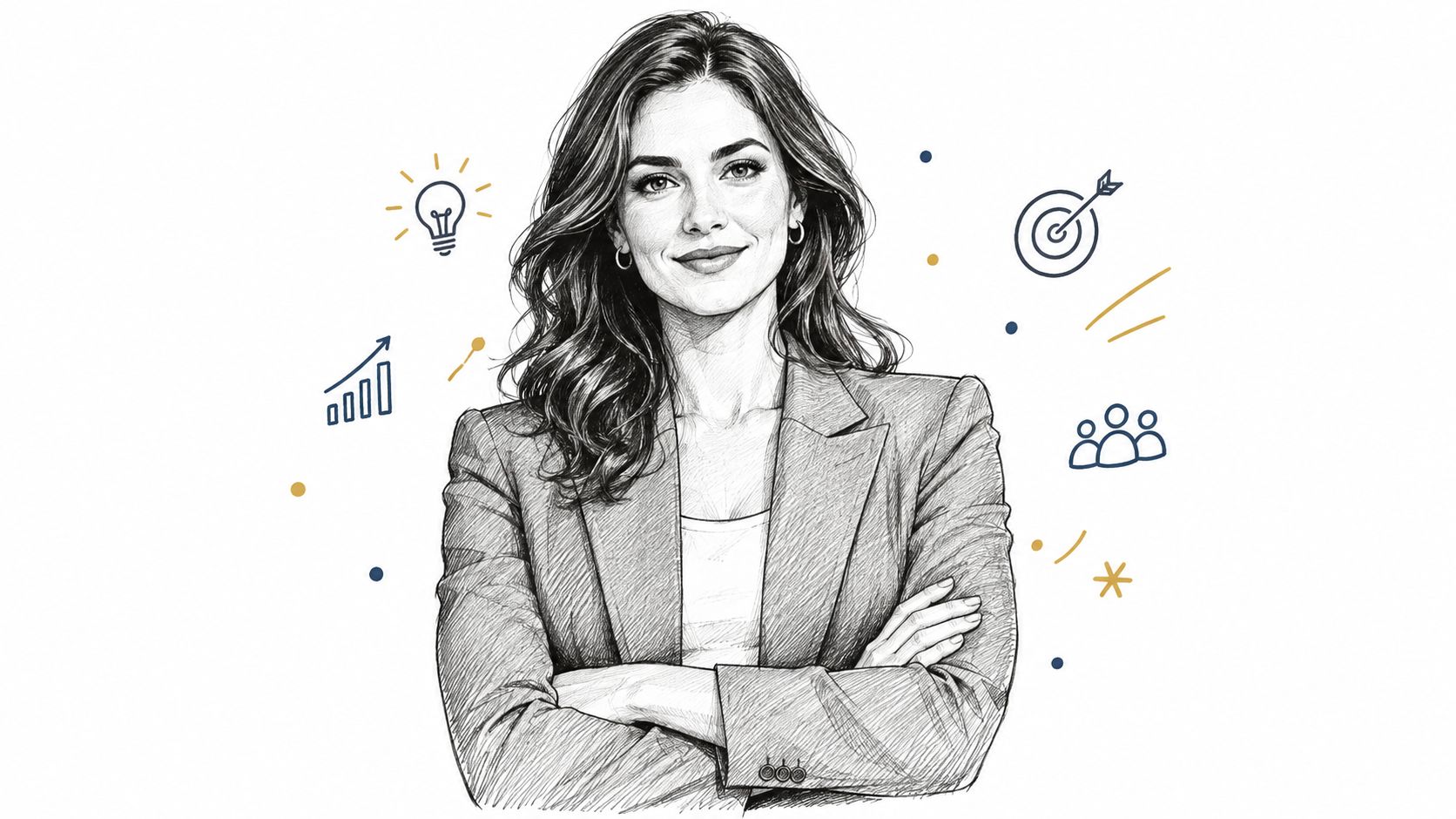
Arms crossed can communicate authority, experience, and decisiveness, but only when the posture stays relaxed. Tight shoulders, clenched hands, or a severe expression can make the same pose look defensive. The pose works best as a waist-up portrait where the arms support the composition instead of dominating it.
AI generation needs precise hand instructions here. Hands and fingers can expose weak outputs quickly, so don't stop at the first attractive face. Generate a broad set, then inspect anatomy before evaluating the blazer, background, or expression.
Copy-ready prompt and use case
Role-based use case: A startup founder can create portraits for a conference speaker page and choose the image with the calmest expression. A management consultant can use the pose on LinkedIn and a personal website to reinforce an expertise-led brand.
Generate at least 20 options, then check these details first:
- Hands: Look for natural fingers, believable placement, and clean overlap.
- Shoulders: Reject images where the arms force the shoulders upward.
- Expression: Add warmth so the pose doesn't read as closed or unapproachable.
- Clothing: Test a blazer and shirt combination that fits the level of authority you want.
The failure mode is defensive body language. If the arms appear tightly folded against the chest, switch to a looser crossing or use the classic squared-shoulder pose. Secta Labs clothing-change tools let you test wardrobe combinations without starting a new session.
4. Warm Smile with Direct Eye Contact
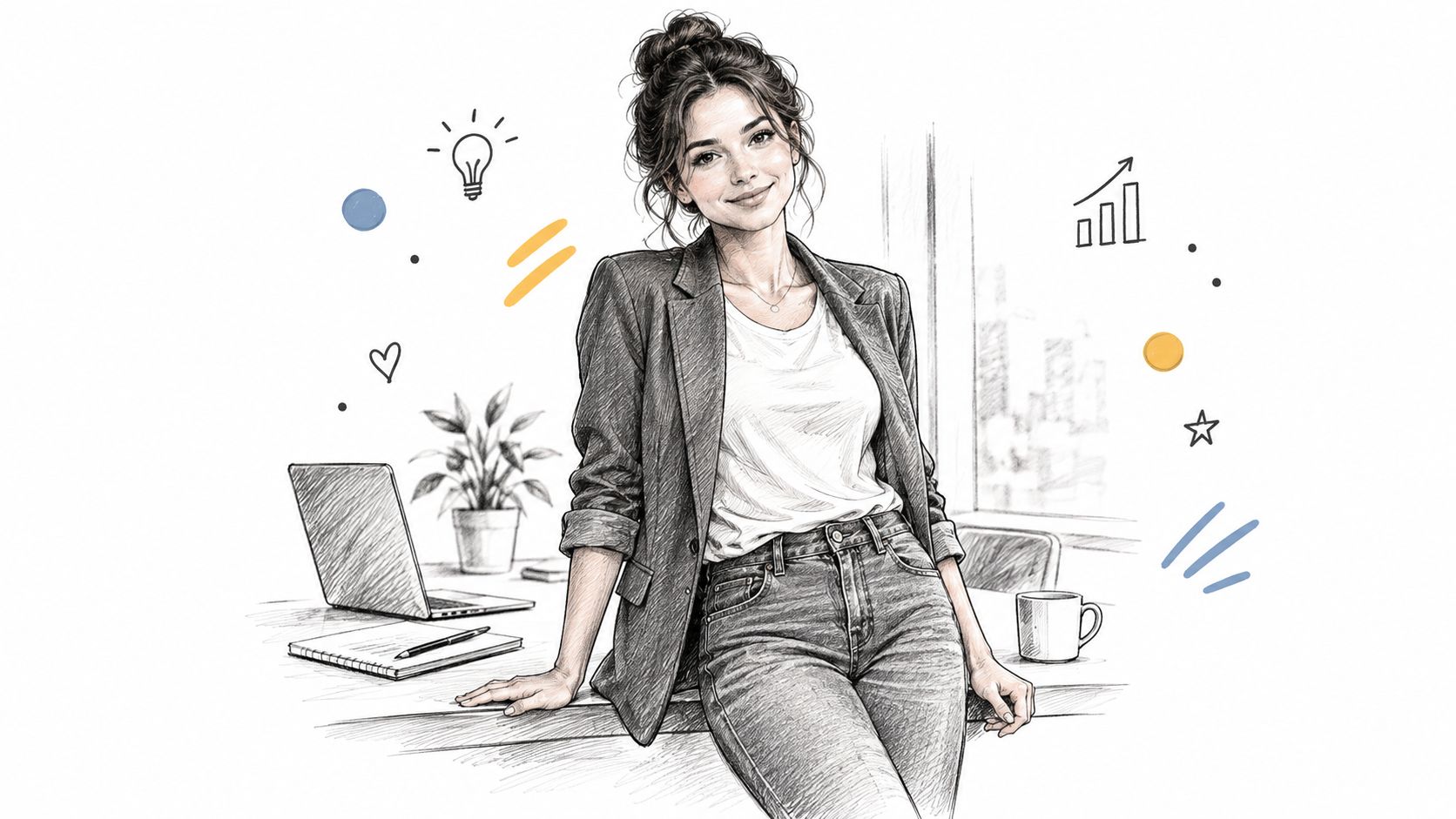
A warm smile and direct gaze are strong choices for people who sell trust through conversation. Coaches, HR professionals, recruiters, customer-facing specialists, and personal-brand founders often need the profile to feel welcoming before anyone reads the headline.
A qualitative recruiter study evaluating seven LinkedIn photos of the same fictional marketing candidate found that smiling and direct eye contact were the strongest pose-level credibility cues. The combinations were associated with impressions of social skill, ambition, trustworthiness, and professionalism, although the study didn't measure hiring conversion or prove that one pose guarantees an interview. This qualitative study of LinkedIn photo evaluations supports a creative direction, not a promise.
Copy-ready prompt and use case
Role-based use case: A leadership coach can generate a warm set for a website, social channels, and speaker kit. An HR manager can use one approved image across a company team page to create a consistent, friendly presence.
The failure mode is the exaggerated AI smile. Avoid “big smile” as the only expression instruction. Select images where the smile is relaxed and slightly asymmetric, then use Secta Labs expression editing to move the intensity up or down in small increments. A neutral brow and relaxed jaw usually look more credible than a forced grin.
5. Side-Lean at Office or Desk Setting
A side-lean adds context without requiring a full environmental portrait. Place the subject beside a desk or another simple workplace surface, angle the body slightly toward the camera, and keep the office softly blurred. The setting should support the professional story, not compete with the face.
This pose suits people whose work benefits from visible context. An architect can suggest a studio environment. A marketing consultant can signal a modern working style. A real estate professional can create a polished office portrait while still generating a tighter crop for LinkedIn.
Copy-ready prompt and use case
Role-based use case: An architect can generate an office portrait for a firm's about page and a tighter version for LinkedIn. A marketing consultant can test the same pose in a restrained co-working space for conference promotion.
Use a low-detail background. Too many screens, plants, shelves, or decorative objects make the image look like a stock photograph and reduce facial clarity. Create a close crop from the same generation so the profile version remains recognizable inside LinkedIn's circular frame.
The failure mode is an environment that overwhelms the subject. Use Secta Labs background editing to compare a simple office, a co-working space, and a neutral studio without arranging another session. For additional guidance on body angle and natural positioning, use this professional headshot posing guide.
6. Seated Professional at a Table
A seated portrait creates a sense of engagement. The torso leans slightly forward, the hands rest visibly on a table, and the expression suggests that you're ready to listen or solve a problem. It works well for professionals whose reputation depends on conversation, explanation, or collaboration.
This is more demanding than a head-and-shoulders pose because the model must render hands, furniture edges, clothing folds, and a believable seated posture. Generate enough alternatives to separate a strong facial result from an image with distracting anatomy.
Copy-ready prompt and use case
Role-based use case: A business coach can create a seated image for a webinar landing page and crop it for social media. A sales team lead can use the portrait in a pitch deck to make the account team feel more approachable.
Plan two outputs from the same concept. Keep one wider version for a website or presentation, then create a closer crop for LinkedIn. That gives the generation more value without forcing the profile image to show unnecessary furniture.
The failure mode is an object that looks almost right but breaks the illusion on closer inspection. Use Secta Labs retouch and upscale tools on the selected image, especially when you also need a crisp version for print or a presentation.
7. Thoughtful Three-Quarter Gaze for Creatives
Creative professionals don't always need a conventional corporate expression. A thoughtful three-quarter gaze can communicate curiosity, imagination, and focus. Turn the head slightly, look past the camera, and use lighting that adds mood without hiding the eyes or changing your recognizable features.
This direction suits actors, writers, designers, photographers, and content creators. It can also give a personal brand more character than a neutral studio portrait, particularly when the profile links to a portfolio or body of work.
Copy-ready prompt and use case
Role-based use case: An actor can generate contemplative portraits in different lighting moods for an agency submission. A content creator can use one version as a newsletter cover image and another as a YouTube channel thumbnail.
The failure mode is losing professional connection. A completely off-camera gaze can feel distant in a networking context, so keep a direct-eye-contact version as a backup for applications, client introductions, and formal profiles. Try different light directions, but don't let dramatic shadow obscure facial structure.
Secta Labs expression and lighting controls make it easier to build a varied creative set from the same source photos. Choose the version that still resembles how you present yourself in real conversations. A polished image shouldn't create an expectation mismatch when someone meets you.
8. Consistent Team Pose for Company-Wide Headshots
For a company, consistency usually matters more than individual posing creativity. Use one head-and-shoulders frame, one background treatment, one lighting direction, and a neutral-to-friendly expression. Every employee can still look like themselves, but the team page, press kit, and sales materials will feel organized.
This standardization is especially useful for distributed teams. Traditional group sessions require calendars, travel, repeated setup, and last-minute replacements. A generative workflow lets the team reuse the same pose specification across individual uploads, then allow each person to review and select a likeness-preserving result.
Copy-ready prompt and use case
Role-based use case: A 120-person company can generate standardized headshots for its intranet and press kit in a single afternoon. A distributed sales organization can use one shared pose template so regional profiles match the same brand system.
Lock the visual rules before anyone starts generating:
- Shared prompt: Give every employee the same core pose and lighting language.
- Approved background: Choose the brand background color and keep it consistent.
- Personal shortlist: Let each employee select from their own outputs to protect individual likeness.
- Review standard: Reject images with altered facial structure, strange eyes, or expressions that don't feel like the person.
The failure mode is visual sameness that erases personality. A consistent background shouldn't produce identical expressions or clothing. Secta Labs team solutions help companies manage on-brand outputs across departments. This guide to poses for corporate headshots can help teams establish a repeatable standard.
8 LinkedIn Headshot Poses Comparison
Choose Your Pose and Generate a Full Set Today
Start with one primary pose and one backup. Choose based on the impression your role needs to create, the people you want to reach, and where the image will appear.
A finance manager, lawyer, or executive will usually get the clearest result from the classic squared-shoulder pose, with the arms-crossed version as a stronger authority option. A coach, recruiter, HR leader, or sales professional can start with the warm smile and direct gaze, then test the three-quarter turn if the straight-on result feels too formal. A consultant or real estate agent may prefer the three-quarter turn or office side-lean. A creative professional can lead with the thoughtful gaze, while keeping a direct-contact version for more formal applications. Companies should lock one shared team pose rather than asking every employee to interpret “professional” independently.
Write the prompt before generating. Keep the pose, camera height, gaze direction, expression, clothing, and background explicit. Then generate a batch of at least 20 options, as the arms-crossed and seated variations need enough alternatives for reliable hand and furniture checks. Review the eyes first, then the hands, expression, shoulders, clothing, and background. If the result looks polished but no longer resembles you, reject it.
Secta Labs lets users generate 100 to 200+ HD images in under two hours, according to the publisher's stated product capabilities. You can test clothing, backgrounds, lighting, and expressions without arranging another photoshoot, then use editing tools to adjust a selected image instead of regenerating everything. The process is quicker and easier because one set of personal uploads can produce options for LinkedIn, websites, speaker pages, presentations, and social channels.
Keep control of the final choice. LinkedIn says AI-created or enhanced profile photos must reflect the account holder's likeness, so select an output that remains recognizably you. Preserve your real facial structure, avoid implausible skin or hair detail, and choose a pose that matches how you actually communicate. The best AI portrait improves presentation without inventing a different identity.
A profile photo also deserves more attention than many professionals give it. LinkedIn data cited in search results reports that profiles with photos receive up to 21 times more profile views and as much as 36% more messages than profiles without photos, as described in this LinkedIn professional photo guidance. Those figures shouldn't be treated as a guarantee, but they make a current, credible image a practical profile priority.
Choose your pose, paste the prompt into Secta Labs, upload your personal photos, and generate the full set at secta.ai. Once you select the strongest image, pair it with sharper profile copy and generate LinkedIn posts with AI so your new visual identity continues working after someone clicks your profile.