What Do I Look Like with a Beard: AI Preview Guide
What do I look like with a beard, and will the answer still hold when the photo is used on LinkedIn, a company website, or a sales profile? Most beard previews fail because they answer only the first question. A professional AI portrait should also show how facial hair changes your age, authority, warmth, and overall brand.
A convincing preview needs more than a beard-shaped overlay. It needs consistent identity, believable texture, natural shadows, and a business-ready composition. Generative AI headshot tools make that process quicker and easier than arranging a portrait session or manually retouching a selfie, especially when you want to compare stubble, a short beard, and a fuller style before changing your appearance.
Why Generic Photo Editors Fall Short for Beard Previews
Can a basic photo editor show whether a beard actually suits your face? It can place dark pixels around your mouth and jaw, but it cannot reliably read cheek contours, skin texture, facial-hair density, or the way light falls across a three-quarter angle. The result often looks pasted on rather than grown from the face.
That limitation matters in a professional portrait. A novelty filter may be fine for casual experimentation, yet it cannot show whether a fuller jaw balances your features, whether stubble keeps you approachable, or whether a defined beard supports the impression you want clients and recruiters to form.

전문적인 이미지 변신
1시간 이내에 AI가 생성한 멋진 전문가용 헤드샷을 받아보세요. 일반 셀카나 단체 사진을 업로드하고 100가지가 넘는 스타일 중에서 선택하면 최고의 모습을 담은 수백 장의 완벽한 사진을 만들어 드립니다.
Why generative AI produces a better likeness
Generative AI analyzes the structure of your face instead of applying a flat graphic. It can retain your eyes, nose, mouth, expression, and skin texture while rendering hair that follows the jawline and responds to the portrait's lighting. That gives you a usable basis for choosing a style.
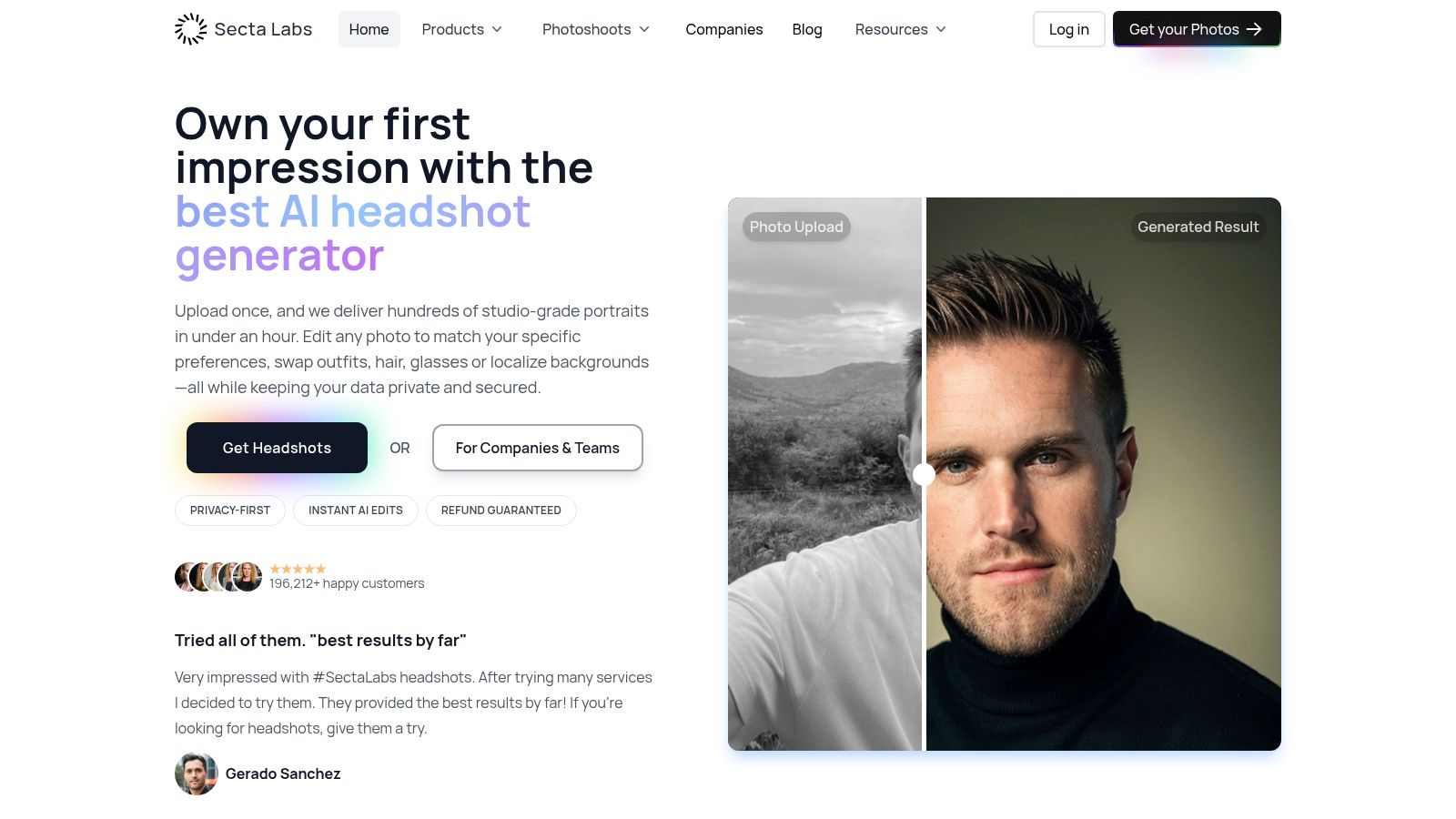
Professional AI headshot platforms can also adjust lighting, background, facial details, and composition while turning ordinary selfies into polished business portraits, as shown by Secta AI's professional portrait platform. This makes Secta Labs a stronger choice for testing beard styles in LinkedIn photos, company profiles, and other business branding than a generic editor or basic Photoshop workflow.
A costume overlay shows that a beard can exist on your face. A virtual fitting room shows whether it belongs there. If the beard looks pasted on, do not judge the style yet. Judge the simulation.
The professional image changes with the beard
Facial hair follows changing fashion cycles rather than one permanent standard. Historical summaries record peaks for sideburns in 1853, sideburns with moustaches in 1877, beards alone in 1892, and moustaches alone in 1917–1919, showing how grooming signals shift with social norms over time (CBS News).
Current grooming behavior is also less focused on a fully clean-shaven face. Among U.S. men who use shaving products, 41% said they don't shave daily, while 22% agreed facial hair is fashionable, according to the report. The practical conclusion is clear: facial hair can fit professional branding, but its length, edges, and finish still shape the message.
Use an AI model photoshoot workflow to compare complete portrait directions rather than judging one beard overlay in isolation. Review the beard alongside your expression, clothing, background, and framing. For a business profile, choose the version that makes your identity and professional presentation feel consistent.
Uploading Your Photos for AI Beard Simulation

The fastest route to a useful result is a clean set of source images. Don't upload one carefully posed selfie and expect the tool to infer every angle of your face. Give the system enough variation to understand your features while keeping your identity consistent.
- Choose clear source images. Use recent photos where your face isn't hidden by sunglasses, heavy filters, or extreme expressions. Include more than one angle so the system can distinguish facial structure from camera distortion.
- Keep the lighting readable. Soft, even light is preferable to a bright overhead bulb or deep side shadow. Your goal isn't artistic drama. It's a clear reference for your cheeks, chin, jawline, and existing facial hair.
- Use ordinary images, not a full shoot. AI headshot services are designed to work from personal photos. One business-headshot workflow recommends uploading 4–8 clear selfies and can return 40+ HD headshots in about 10 minutes, illustrating how quickly a small source set can produce multiple professional options (Perfect Corp).
- Select the portrait context. Choose a LinkedIn, corporate, actor, real estate, or personal-brand style before comparing beard variations. A beard that works in a relaxed creative portrait may appear too severe in a formal executive image.
- Generate variations, then compare them side by side. Don't choose the first attractive output. Compare clean-shaven, light stubble, short beard, and fuller beard versions with the same expression and framing.
Secta Labs is one option in this category. Its published product information describes a workflow based on personal photos, multiple portrait styles, and editing controls for clothing, expression, background, hair, lighting, upscaling, and retouching. That combination is useful when the question isn't merely “can I add a beard?” but “which version of my professional identity looks most credible?”
Use the preview as a decision tool
Create a small evaluation set rather than collecting random images. For example, generate a neutral LinkedIn portrait with light stubble, a short boxed beard, and a fuller beard. Then ask three practical questions:
- Does the beard follow your face? Look for believable cheek coverage, a natural moustache connection, and clean integration under the chin.
- Does your expression remain yours? A beard shouldn't change your smile into a different person.
- Does the portrait serve its use? A recruiter, client, casting director, or sales prospect should see you clearly, not the novelty of the edit.
If your source images need improvement, use this iPhone professional headshot guide before uploading. Better references make the generation process easier because the system has clearer information to work with.
Generative AI headshot services also emphasize speed. One industry roundup reports that results can arrive in roughly 15 minutes to 3 hours, depending on the service (Geekflare). That makes it practical to test several professional beard directions in one sitting instead of waiting for grooming changes to grow out.
Optimizing Lighting and Face Shape in AI Previews

Lighting changes the apparent density of facial hair. A bright frontal source can make stubble look softer, while side lighting can exaggerate texture and make a fuller beard appear more dramatic. If your input photos contain deep shadows, you may mistake a lighting artifact for a beard-shape problem.
Face shape matters just as much. Facial hair adds visual weight around the mouth, chin, and jaw, so the same length can produce different effects on a round, oval, square, or longer face. A fuller beard may strengthen a narrow lower face, while excess width can make a broad face look heavier.
Prepare the input before changing the style
Start with photos that show your actual proportions. Avoid extreme wide-angle selfies, because a phone held too close can enlarge the nose and narrow the sides of the face. Keep your head upright in at least some images, and include a natural expression that resembles how you'll appear in your professional profile.
AI can correct common portrait issues, including uneven illumination, distracting backgrounds, and inconsistent composition. It shouldn't be used to erase the structure you're trying to evaluate. If the tool narrows your jaw or changes your chin, the beard preview may look attractive while predicting the wrong real-world result.
A simple selection filter helps:

For readers considering cosmetic changes to the mid-face, a resource on cheek filler treatment options in Wakefield provides useful context about how facial volume can affect perceived proportions. That isn't a reason to alter your face for a beard. It reinforces a more important point: facial structure and facial hair interact, so your preview should preserve both.
Adjust the portrait, not just the beard
If the AI tool offers lighting or composition controls, make one change at a time. First correct the overall portrait light. Then compare beard length. After that, test background and clothing. Changing everything simultaneously makes it difficult to know whether the beard improved the image or whether a more flattering wardrobe and backdrop did the work.
The portrait lighting setup guide is useful when your source material is inconsistent. For a LinkedIn image, choose a background that supports clarity rather than competing with the face. For a sales or consulting profile, retain enough warmth in the expression that the beard doesn't become the dominant signal.
The best generated portrait will still be a prediction, not a guarantee of how your beard grows. Density, colour, cheek-line shape, and texture all matter in real life. Use the AI output to select a direction, then take that direction to a barber or use a conservative trim rather than committing immediately to the fullest version.
Choosing the Right Beard Style for Professional Impact

Beard length changes perception in a measurable way. Research commonly finds that bearded men are rated 3–5 years older than when clean-shaven, while heavier beards are associated with maturity, confidence, aggression, masculinity, leadership potential, and social status (Expert Beacon). That doesn't make a full beard professional or unprofessional by itself. It means you should choose the signal deliberately.
Light stubble
Light stubble is the safest starting point if you want definition without a major shift in identity. Research indicates that light stubble can improve perceived attractiveness and trust in younger men, although the effect doesn't consistently extend across ages and contexts (Oxford Academic).
For LinkedIn, sales, recruitment, and client-facing work, I recommend testing light stubble first. It keeps the jaw visible, adds texture, and usually avoids the abrupt age increase that a fuller beard can create. In an AI comparison, check whether the stubble makes your face look sharper or just darker.
Short beard
A short beard gives the AI more shape to render around the chin and jaw. It can help balance facial proportions and create a more established appearance without the visual weight of a long beard. This is often the strongest compromise for professionals who want a distinct grooming identity but still need approachability.
Use a short beard preview when your clean-shaven portrait feels too youthful or lacks definition. Keep the expression neutral and the background restrained. If the beard makes your face look stern, reduce density or return to stubble rather than compensating with an exaggerated smile.
Full beard
A full beard is the most assertive option. It can communicate maturity and status, but it can also increase perceived dominance and reduce warmth in some settings. The research on facial expression makes this especially clear: in a controlled study of 106 participants, angry full-bearded faces were categorized fastest and most accurately, while happy faces were identified fastest and most accurately when clean-shaven; full beards also received the highest masculinity ratings, and angry bearded faces received the highest aggressiveness ratings (Bond University).
That finding changes how you should evaluate a full-beard headshot. Don't judge only the beard. Judge the beard with the expression, crop, clothing, and eye contact you'll use.
A major mistake is assuming more facial hair automatically creates more trust. It doesn't. The evidence supports a context-sensitive choice, with heavy stubble often rated highly for attractiveness and fuller beards linked more strongly to age, dominance, and status (Science). Choose the version that supports the relationship you need to build.
Refining Your AI Beard Preview with Editing Tools
Does the beard look wrong, or does the rest of the portrait make it feel wrong? Treat the first AI result as a draft. Professional headshot tools are most useful when they let you adjust the surrounding image and compare controlled alternatives. A beard may need less density, a different colour, a softer expression, or a background with lower contrast rather than complete removal.
Refine the face first, then adjust the image around it:
- Density: Reduce heavy coverage if the beard hides your jaw or makes the portrait feel too severe.
- Length: Compare stubble, a short beard, and fuller versions while keeping the expression unchanged.
- Colour: Match the beard to your natural hair and eyebrow tones. An overly dark result can look artificial even when the shape is convincing.
- Cheek and neck definition: Set clean boundaries that look intentional, while avoiding edges that appear digitally drawn.
- Clothing: Match the wardrobe to your audience. A suit, knitwear, and an open-collar shirt create different professional signals.
- Background: Keep LinkedIn and business portraits simple so facial expression and eye contact remain central.
- Retouching: Remove distractions while preserving skin texture. Excessive smoothing makes an AI portrait easier to identify. For a full walkthrough of retouching and refinement controls, see this headshot editing guide.
Secta Labs supports this type of rapid iteration through its professional AI headshot workflow. Its privacy information states that uploaded photos and generated headshots are not used to train models and remain owned by the user (Pixelbin).

Use a professional decision checklist
Inspect each candidate at normal profile size and at a larger display size. Check the moustache edge, cheek texture, lower lip, chin shadow, and transition between beard and skin. AI errors often appear in these small areas before they become obvious in the full portrait.
Score every version against its intended use:
- Recognition: Does it still look unmistakably like you?
- Credibility: Would a client trust it as a current representation?
- Approachability: Does the beard overpower your expression?
- Consistency: Can you use the same style across LinkedIn, your website, and professional directories?
- Authenticity: Could you realistically grow and maintain the version shown?
Do not choose the most dramatic image. Choose the one that communicates your professional position with the least visual explanation. Light stubble or a short beard often provides a practical starting point. Test a fuller version only when it adds authority without reducing warmth.
If you are still asking, “what do I look like with a beard?”, run a controlled AI comparison instead of relying on imagination. Upload clear source images, generate the same portrait with several beard lengths, and choose the version that fits both your face and your work. Take that direction to a barber before committing.