LinkedIn Photo Carousel Ideas: 7 AI Headshot Plays
Most LinkedIn carousels don't fail on copy. They fail because the portraits look improvised, cropped from weddings, dim hallways, and phone selfies that undermine every claim on the slide. That's an expensive mistake, because swipeable formats reward strong visuals. In a Metricool study of 673,658 LinkedIn posts, carousel posts averaged 611.15 interactions compared with 54.98 interactions for single-image posts, according to the Metricool LinkedIn study reported by Lado.
One generative AI headshot set fixes the supply problem. You upload a handful of regular photos once and receive hundreds of studio-grade portraits in under an hour, with varied outfits, backgrounds, expressions, and lighting. If you're new to the format, start with qué es un carrusel en LinkedIn, then build the seven plays below. Each LinkedIn photo carousel here starts from that same gallery, so you're selecting and sequencing, not scheduling, traveling, or reshooting.
1. Executive LinkedIn Profile Headshot Set
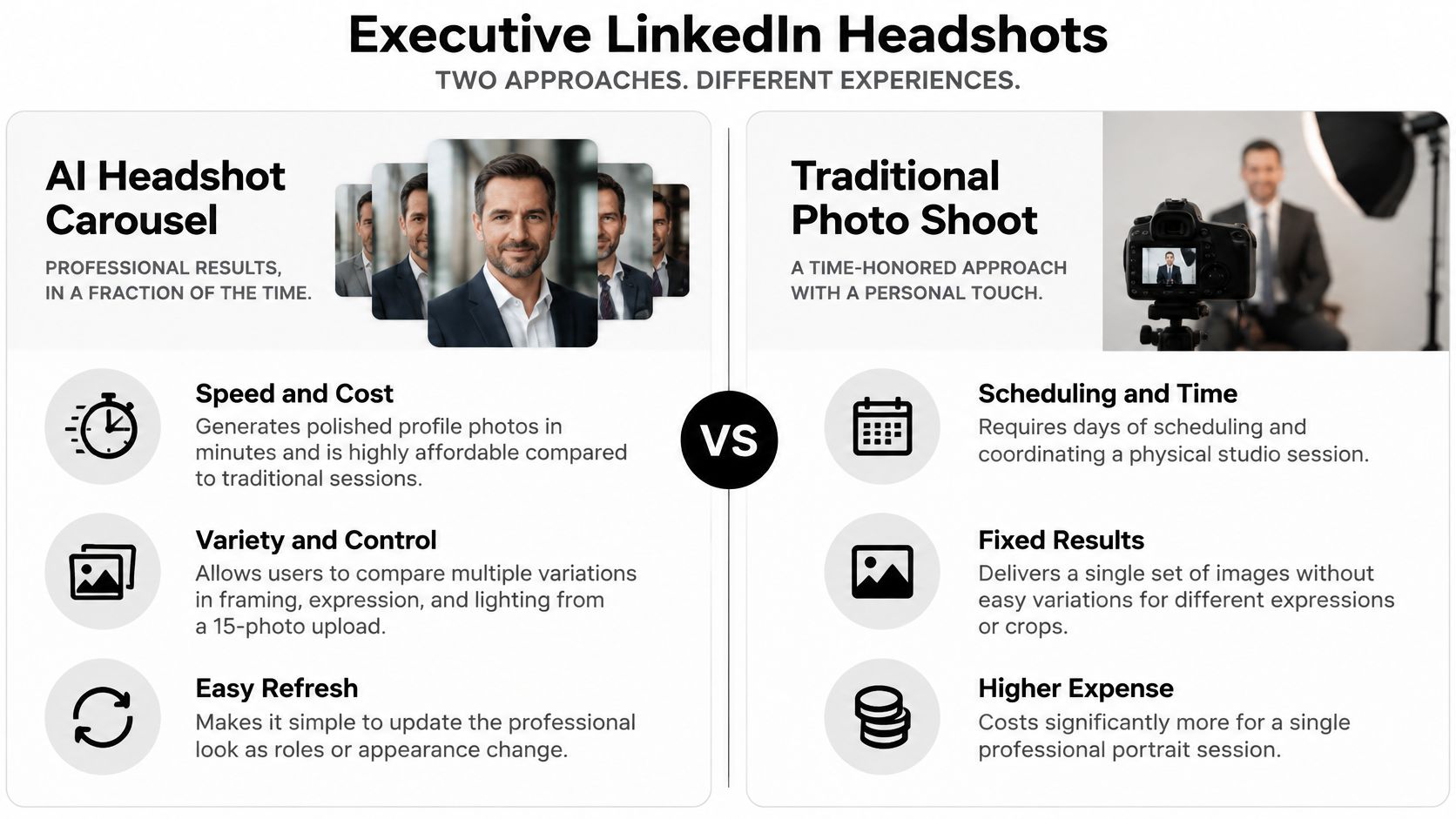
Start with the portrait people judge first. Build a tight carousel around one polished executive look, clean neutral or softly blurred office background, business attire, and natural studio lighting. Slide one shows your strongest headshot, the next slides show close variations in framing and expression, and the final slide invites readers to view your profile or send a message.
Say a marketing manager generates six blazer and blurred office options, then picks the warmest expression for LinkedIn and reuses alternates for her resume and portfolio. A job seeker can do the same, keeping one consistent face across every application touchpoint. Our guide to choosing the best executive headshots shows what separates a credible cover image from a generic one.
Transforme su imagen profesional
Consigue impresionantes retratos profesionales generados por IA en menos de una hora. Sube selfies normales o fotos de grupo, elige entre más de 100 estilos y crearemos cientos de instantáneas perfectas que representen lo mejor de ti mismo.
Pick for recognizability, not novelty
LinkedIn requires a profile image to reflect your likeness, and LinkedIn profile-photo guidance summarized by Profile Bakery prohibits using another person's image or an image that isn't your likeness. Generative AI helps because you improve wardrobe, setting, and lighting while staying recognizably you.
- Upload 15 sharp, well-lit photos: Vary expressions and include a few different angles.
- Match your video-call look: Pick the version clients would recognize on Zoom.
- Edit, don't regenerate: Adjust clothing or background on a winner instead of starting over.
- Save high resolution: Keep the file crisp at every LinkedIn crop size.
2. Consistent Team Headshot Carousel for Companies
A leadership carousel looks credible only when every portrait belongs in the same room. Mismatched selfies, different crops, and five shades of office wall tell prospects your team is loosely assembled. Generate every employee's headshot with the same background, lighting, wardrobe rules, and crop, then sequence the slides by team, office, or client journey.
Onboarding a new cohort is where this workflow pays off. Each person uploads their own photos directly to the team dashboard, admins approve, edit, or regenerate in one place, and the approved set bulk-downloads at once for the website, the company directory, and LinkedIn. Marketing refreshes a leadership page before a launch without chasing calendars. Our guide to building consistent corporate team photos walks through that process, and the discipline behind cohesive Instagram edits with RevelRaw applies here too: one visual system across every channel. Brand matching works from favorite images or hex codes, so the backdrop and tone hold steady whether five people upload or fifty.
The format earns the effort. In Socialinsider's LinkedIn benchmark, ordinary image posts averaged a 4.70% engagement rate by impressions, while native documents and multi-image carousels tend to outperform them. A consistent set also stretches further, since one upload per employee feeds the carousel, the directory, and future campaign creative from the same approved portraits.
Lock the slide order before publishing: leadership first or the team clients contact first, with names and titles in the same position on every card.

3. Actor and Creative Portfolio Portrait Carousel
Casting teams don't hire one expression. They hire range, and a LinkedIn photo carousel is built to show it in order. Lead with a neutral, natural portrait that matches how you walk into the room, then move through dramatic, comedic, and professional looks, each generated from the same uploaded photos by changing expression, lighting mood, and wardrobe digitally.
Say a stage actor needs a submission this week. She generates a serious dramatic portrait, a light comedic version, and a clean commercial look, then orders them by role type. A voice actor can pair warm lighting for friendly studio clients with cooler, sharper lighting for corporate work. If your written materials need the same polish, learn to write stronger photographer resume bullets and apply that specificity to your credits slide.
Don't let the carousel become a random gallery. Most guidance covers mechanics, but Ligo Social's carousel guide highlights the harder question of which image sequence builds credibility. My recommendation is proof after range, credits, training, or a short client outcome on the slide after each look, so swipes show evidence, not just faces.
- Keep one true-to-life anchor: Casting directors compare you to it in person.
- Label each look clearly: Role type and tone in large, mobile-readable text.
- Refresh as you change: Update hair or styling edits when your current look shifts.
4. Real Estate Agent Trust-Building Portrait Carousel
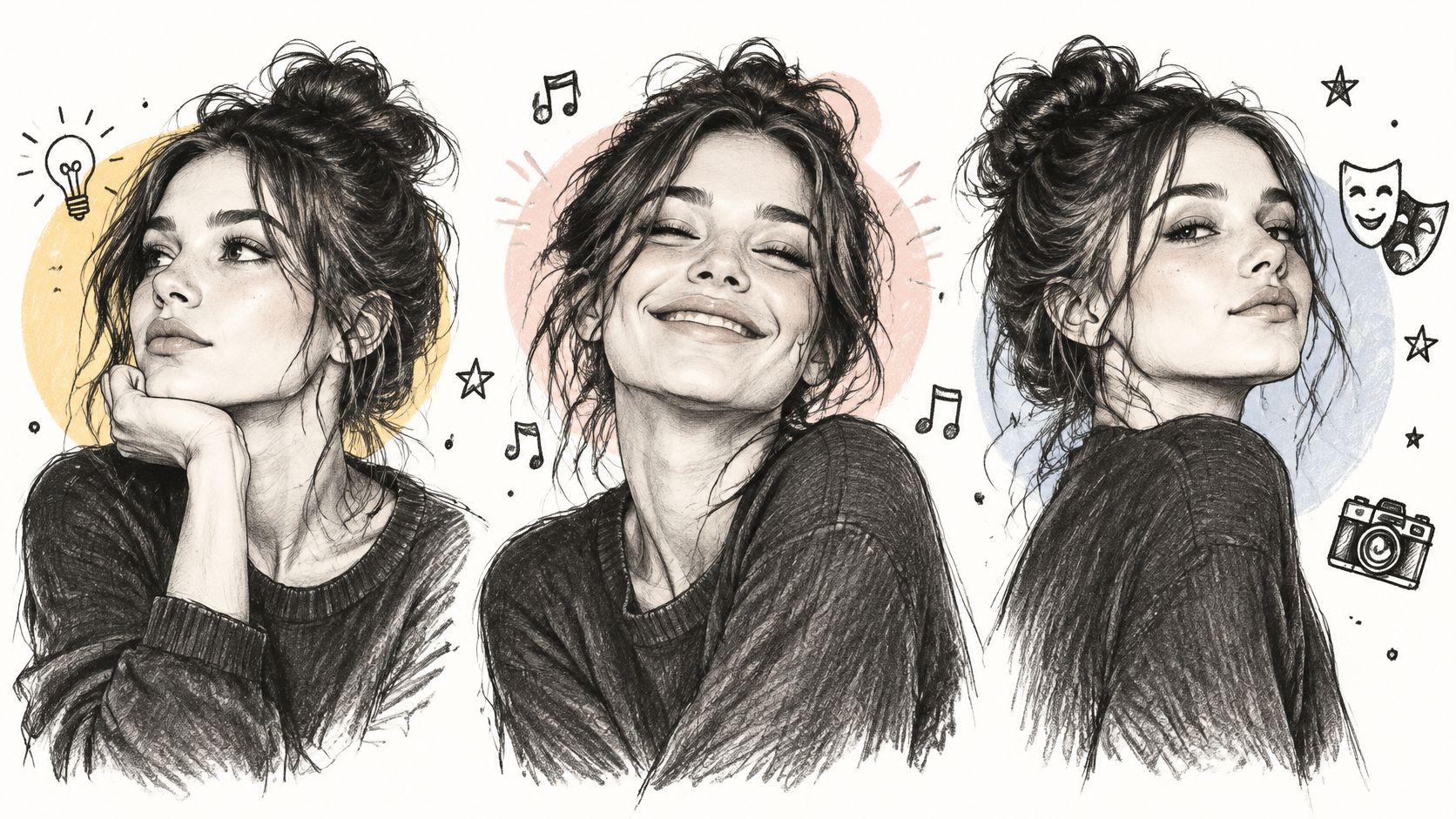
Buyers and sellers choose an agent they feel they can approach. Your carousel should prove that in seconds, bright natural lighting, a friendly expression, and smart-casual attire that looks polished without looking stiff. Slide one is your warmest headshot, followed by slides pairing alternate portraits with neighborhoods served, client outcomes, and a clear invitation to message you.
Say a realtor generates three smiling portraits and uses different crops for listing cards, flyers, and social ads. A brokerage can generate matching headshots for the whole office, so every listing carries the same trustworthy look. Because the portraits come from one AI set, a new agent, new brand color, or new market doesn't trigger a new session. You edit the background or outfit and publish.
Test expressions like ad creative
Documents are the right vehicle for that test. In a 2025 analysis cited by Ampere's LinkedIn carousel resource, native documents recorded 7.00% average engagement by impressions, compared with 6.45% for multi-image posts and 4.50% for text posts.
- Test two or three expressions: Run them in local ads and keep the one that drives inquiries.
- Match brand colors: Use a clean background tied to your brokerage palette.
- Export both orientations: Generate horizontal and vertical crops for listings and feeds.
- Stay recognizable: Keep one portrait close to your real appearance for first meetings.
5. Personal Brand Creator and Coach Multi-Setting Carousel
Coaches and consultants sell recognition. If your LinkedIn face, YouTube face, and speaking photo look like three different people, audiences work harder to trust you. Generate one portrait library, then build a LinkedIn photo carousel that shows the same person across settings, bold colored background for social, clean corporate backdrop for LinkedIn, casual studio look for video thumbnails.
Say a business coach posts a carousel that moves from corporate portrait to bright creator portrait to speaker portrait, each slide tied to one offer. A consultant can reuse that sequence as a press kit, swapping in a new background or outfit edit for each event. You look current everywhere because you generated variety once, then edited quickly as platforms changed.
Production detail matters. A practical carousel uses a consistent slide canvas, commonly 1080×1350 or 1200×1500 pixels before PDF export, according to Superprofile's LinkedIn post size guide. Put your value proposition on page one, keep one idea per page, and test that faces and small text stay sharp on a phone.
Refresh the set every few months, but always keep one image that matches your live on-camera appearance. Familiarity compounds only when people recognize you.
6. Campaign-Ready Quick Update Portrait Carousel
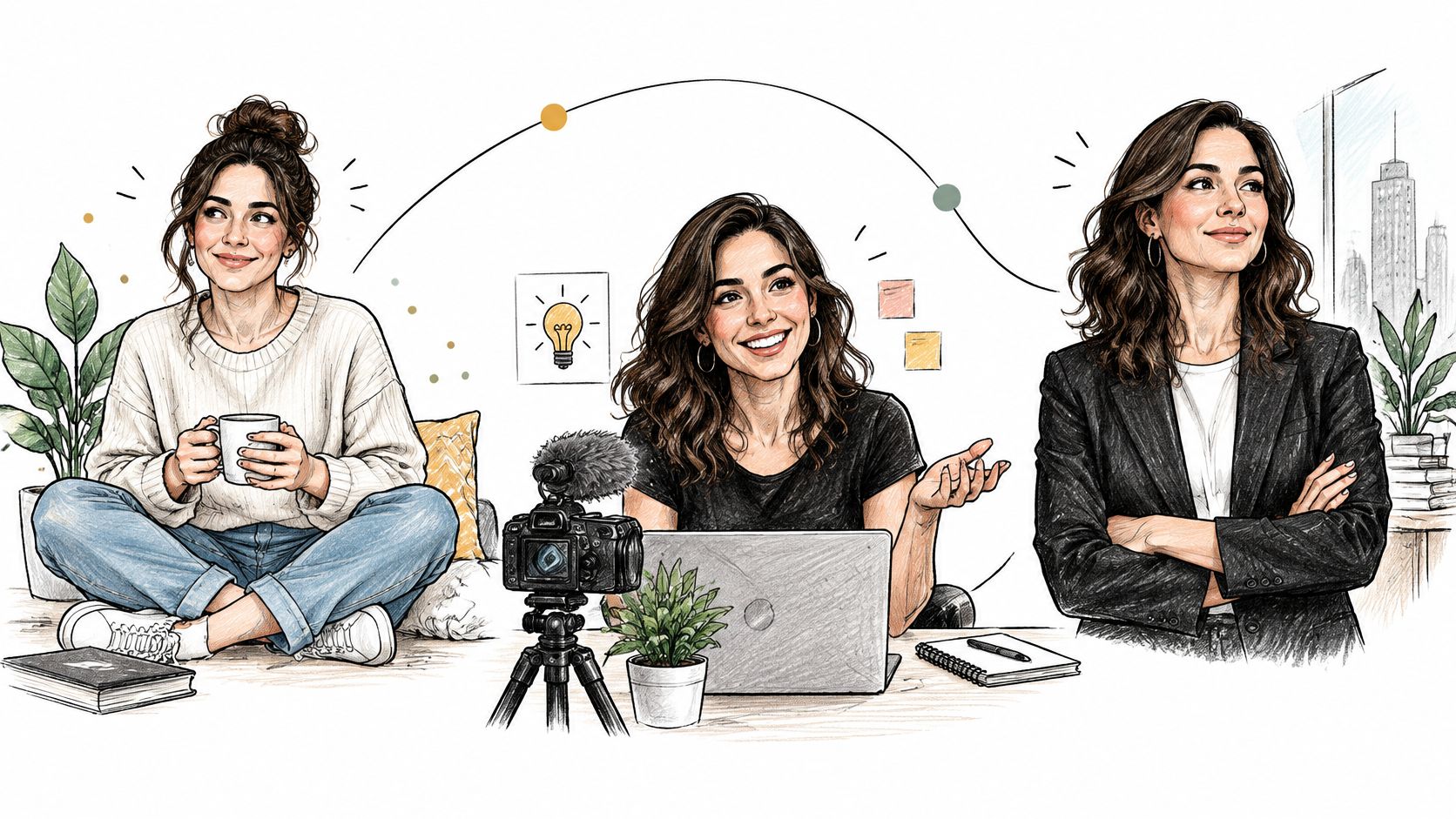
Campaigns rarely wait for a studio calendar. A conference, seasonal push, or rebrand lands, and communications teams need fresh portraits that still look like the approved originals. This play keeps one master headshot and edits only what the campaign requires, clothing, background, lighting, or expression, then sequences the versions into a carousel that announces the update.
Say a communications manager gives a speaker a lighter wardrobe and summer background for a conference brochure. A brand team creates holiday versions of leadership portraits for year-end posts. Both teams move faster because the likeness, crop, and core portrait are already approved. They're editing a proven asset, not briefing, traveling, and selecting from scratch.
The mechanics are simple. Each LinkedIn carousel is one multi-page document, and Hootsuite's LinkedIn carousel guide lists a technical maximum of 300 pages and 100 MB per upload for document posts. You won't need that capacity, but it means a cover, several campaign portraits, and a contact slide fit in one clean PDF.
- Save the master file: Make every campaign edit from the approved base portrait.
- Pre-approve variants: List acceptable backgrounds, outfits, and seasonal styles in advance.
- Upscale for print: Enlarge before banners, posters, or large booth graphics.
- Track versions: Log which portrait ran where, so channels don't drift.
7. Expression and Lighting Variation Carousel for Thought Leadership
Authority and approachability aren't the same visual signal. A confident direct gaze works for a keynote program, while a relaxed smile suits a podcast cover or newsletter header. This carousel tests that range deliberately, pairing each expression and lighting variation with the type of content it supports, analytical, practical, personal, or promotional.
Say a speaker opens with a soft-lit, confident portrait for conference credibility, follows with a warmer version for community posts, and closes with the portrait she uses for podcast pitches. A writer can test two header portraits and track which one earns more qualified comments, profile visits, and sign-ups. Our breakdown of professional headshot lighting choices helps you match each variation to the mood you're publishing.
Keep variation inside a recognizable system
Generate broadly, publish narrowly. I recommend one primary portrait and two alternates for most thought leaders, because endless variation weakens recognition.
- Match light to topic: Bright and clean for practical advice, moodier side light for analytical pieces.
- Check at thumbnail size: Confirm eyes, expression, and contrast read clearly on mobile.
- Avoid extreme edits: Don't publish an expression you can't plausibly make on stage or camera.
Measure this LinkedIn photo carousel by saves, profile visits, and inbound messages, not likes alone. That's where expression choices prove their commercial value.
7 LinkedIn Photo Carousel Ideas at a Glance
Generate Once, Publish Everywhere Your Carousel Action Plan
Pick the play that matches your immediate goal. Executives and job seekers start with the profile set. HR and marketing teams start with the consistent team carousel. Agents, creators, and speakers lead with trust-building and multi-setting sequences. Trying to publish all seven at once is the common mistake here: one strong carousel posted while the gallery is fresh beats a folder of polished portraits nobody sees.
Your next step takes minutes. Upload 15 varied photos once, choose from over 150 styles, and receive hundreds of studio-grade portraits in under an hour. Secta retrains a copy of the model on your uploads through a proprietary fine-tuning process, so your likeness stays intact while you get new clothing, backgrounds, expressions, hair, and lighting to edit on demand. One gallery supplies your profile photo, team page, speaker kit, listing creative, and every carousel in this list.
You keep ownership of every output, and your uploaded data stays private and secured while the images are edited. Rolling this out across a company? The team dashboard lets admins approve, edit, or regenerate portraits, match brand colors by favorite images or hex codes, and bulk-download the final set. Live chat support is there when you need help choosing styles, fixing a likeness issue, or preparing files for print and web.
Speed is the advantage. Publishing is the payoff.
Set a 48-hour deadline. Generate today, select your cover portrait and supporting slides tomorrow, export one clean PDF, and post it with a specific call to comment, message, or book.
Ready to stop recycling the same selfie? Upload your photos, generate your Secta Labs gallery, and ship your first LinkedIn photo carousel within 48 hours with headshots that match the professional you're presenting.